
zoluvia
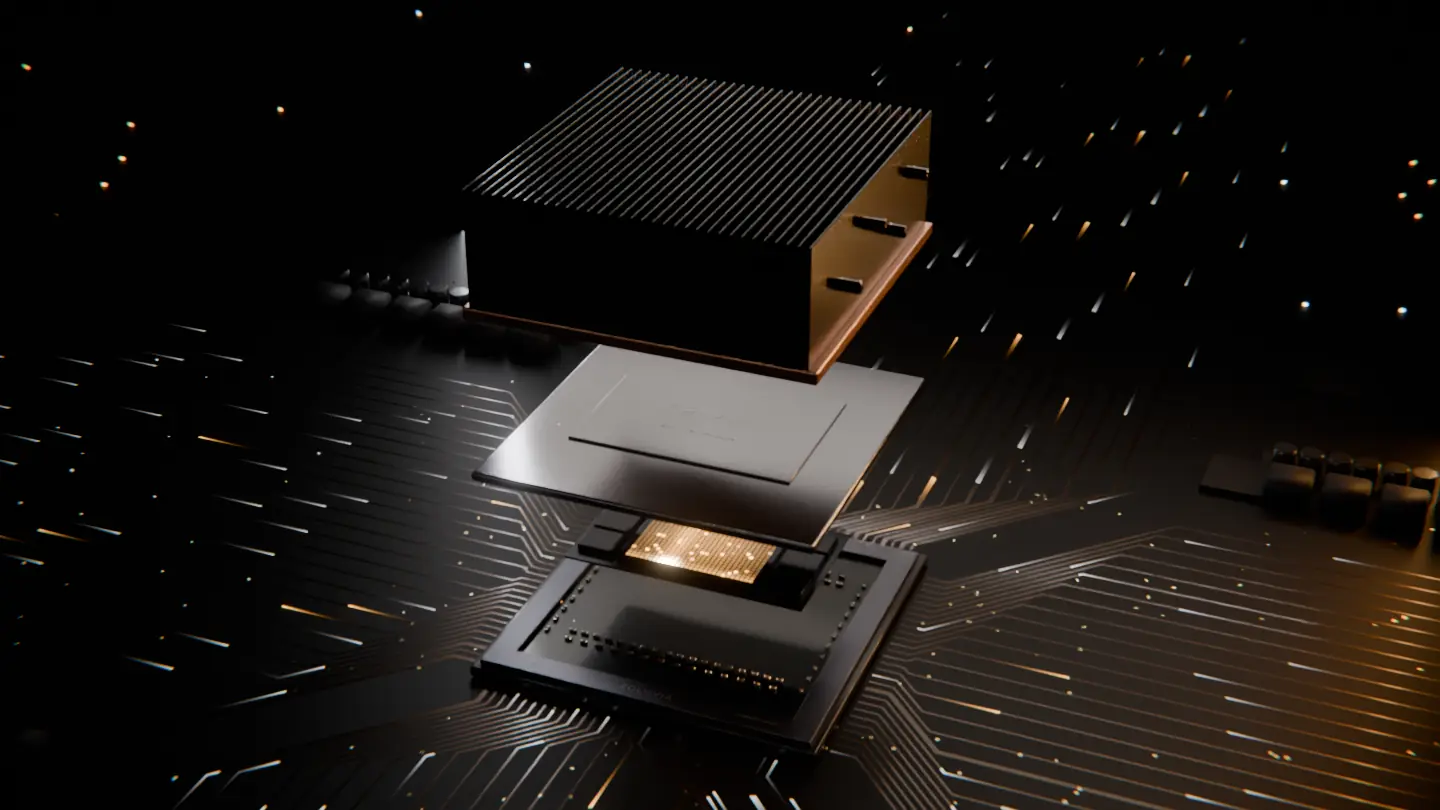
A Zoluvia compute module with a finned heatsink on a dark circuit board.

Doc 001 · Rev 2026.11 · Pre-launch

Idle GPUs,
put to useful work.

Zoluvia links everyday graphics cards into one compute network. You choose the hours, your GPU runs verified jobs, and you earn points.

Hours
You choose
Work
Verified compute
Reward
Points, not tokens
Hardware
NVIDIA · Windows / Linux

01How it works
  1. 1/4Your hours

    It works when you say so.

    Pick the hours the node may run and set temperature and power limits. It steps aside on its own when you start a game.

  2. 2/4Isolated

    Your files stay yours.

    The node runs compute jobs and reports results, nothing more. It never touches your files, browser, accounts or personal data.

  3. 3/4Verified

    Every result is checked.

    Your GPU runs jobs from the network, such as AI inference and rendering. A result counts only after it’s verified.

  4. 4/4Points

    Verified work earns points.

    Spend points in the Zoluvia store. They have no cash value and can’t be sold or transferred.

Rendered in Blender. The module is an illustration, not a product.Modelled in Blender, rendered live in your browser with WebGL. The module is an illustration, not a product.

00Why Zoluvia

Every night, powerful graphics cards sit idle in homes around the world. Zoluvia links them into one network that does useful work, and rewards the people who own them.

02Control

You decide when it runs

The node only works in the hours you give it, under limits you set.

  1. Always visible

    A tray icon shows when the node is working. One click pauses it.

  2. Steps aside for games

    Start a game and the node pauses within seconds, then resumes when you’re done.

  3. Limits you set

    Cap temperature and power draw. The node stays under them.

  4. Every session logged

    When it ran, for how long, at what power, and what it earned.

Set a scheduleTap the hours on the clock. The node only runs inside them.

Node may runYour time

Readouts

Power cap
220 W
Max temperature
78 °C
Game detected
Pauses within seconds

Example limits. You set your own.

03Network

One card is a hobby. Thousands are a data center.

Work is split into small jobs, sent to nodes that are free right now, and checked before it counts. No one had to build a new data center.

Simulation · not live data

Idle nodeWorking

04Points

Points for every verified job

Points are how Zoluvia rewards your GPU’s work. The rules are simple on purpose.

  • Earned for every verified result your GPU returns
  • Redeemable for goods and services in the Zoluvia store
  • No wallet, exchange account or crypto knowledge needed

Store examples

  • Software and subscriptions
  • Games
  • Hardware and accessories
  • Compute credits

The catalog is announced at launch. These are examples.

Points have no cash value, can’t be sold or transferred, and aren’t a cryptocurrency or an investment.

Zoluvia Points

Weekly statement · example

RTX 4070 SUPER · node 0042

WhenJobPoints
Mon 23:00–07:00AI inference+96
Tue 23:00–07:00Rendering+88
Wed 20:10Paused: game—
Thu 23:00–07:00AI inference+94
This week
+278
Cash value
None
Transferable
No
Example statement. Point rules are announced at launch.

05For teams

Need GPUs for your workloads?

We’re lining up the first teams to run AI inference and other GPU jobs on Zoluvia. Tell us what you’d run and how much of it.

Request compute access
Hardware
Consumer NVIDIA GPUs, mostly GeForce RTX
Good for
AI inference, rendering, and batch jobs that split into small pieces
Not for
Work that needs fast links between GPUs, such as training large models
Results
Checked before they count
Access
First teams by invitation

06Roadmap

Where the network is going

We’re opening Zoluvia in stages.

  1. 01Now

    Early access

    The node for Windows and Linux on NVIDIA GPUs. Points and the first rewards in the Zoluvia store.

  2. 02Next

    Paid AI jobs

    Teams send AI inference and rendering jobs to the network, and higher-value work earns more points.

  3. 03Later

    Open marketplace

    Anyone can buy compute from the network. More hardware joins as workloads allow.

07Appendix

The fine print, in plain words.

Plain terms

Last updated

What the node does, what you get, and what it costs you.

A.1What runs
Verified compute jobs from the Zoluvia network, such as AI inference and rendering. The app always shows which job is running.
A.2What you get
Zoluvia Points for every verified result. The value your GPU’s work creates goes to Zoluvia, which pays for points, the store and the network.
A.3What points are
Store credit for goods and services in the Zoluvia store. Points have no cash value and can’t be sold or transferred.
A.4What it costs you
Electricity and normal wear on your hardware. A desktop GPU under load can draw several hundred watts. The app shows a live estimate so you can choose your hours.
A.5What it never touches
Your files, browser, accounts and personal data. The node runs compute jobs and reports results, nothing more.
A.6How to leave
Pause from the tray at any time, or uninstall like any other app. Points you’ve earned stay in your account.

Questions

Can’t find your answer? Write to us at

Q.01Will it slow down my games?

Not if you let it pause automatically. The node watches GPU use and steps aside within seconds when you start a game or a heavy app. You can also pause it from the tray at any time.

Q.02What hardware do I need?

A Windows or Linux PC with an NVIDIA graphics card. Recent GeForce RTX cards work best. We’ll publish the full list of supported cards before launch.

Q.03What kind of work will my GPU do?

Compute jobs from the network: AI inference, rendering and other GPU workloads. Zoluvia does not mine cryptocurrency. The app shows which kind of job is running, and you can switch job types off.

Q.04How much electricity will it use?

That depends on your card and the limits you set. The app shows estimated wattage while the node runs. If your power is expensive, schedule cheaper hours or lower the power cap.

Q.05What can I get with points?

Goods and services in the Zoluvia store. Before you start, the app shows the catalog and roughly how many points your card can earn, so you can judge whether it’s worth it.

Q.06Can I use a laptop?

Yes, if it has an NVIDIA GPU and stays plugged in. Laptops run hotter, so set a lower temperature cap.

Q.07Can the node see my files?

No. The node runs compute jobs and reports results. It doesn’t read your files or browsing, and every session appears in the activity log.

Q.08How do I stop?

Click the tray icon and choose Pause, or uninstall the app. Your points stay in your account.

08Waitlist

Your GPU’s night shift starts here.

We’re opening the network in waves. Leave your email and we’ll write when it’s your turn.

I want to

We’ll only email you about Zoluvia access. Unsubscribe anytime. Privacy